


Passenger cars
For the people and places that make up your day.
Enter your pickup and destination, review the passenger option presented for your request and confirm only when the details are right.
Explore passenger ridesPeople · Places · Deliveries
Book a Tuk Tuk, passenger car or cargo vehicle from one app—then follow the booking from request to completion.
Availability and vehicle choices depend on your pickup area and approved drivers currently online.
One account. More ways to move.
YoYo Cars brings passenger transport and goods movement into one clear booking experience. Choose what you need, enter the route, review the available option and stay informed as the booking progresses.
See how YoYo worksChoose your move
Explore each service without leaving the page. Final availability is always confirmed inside the YoYo Passenger app.
Passenger cars
Enter your pickup and destination, review the passenger option presented for your request and confirm only when the details are right.
Explore passenger rides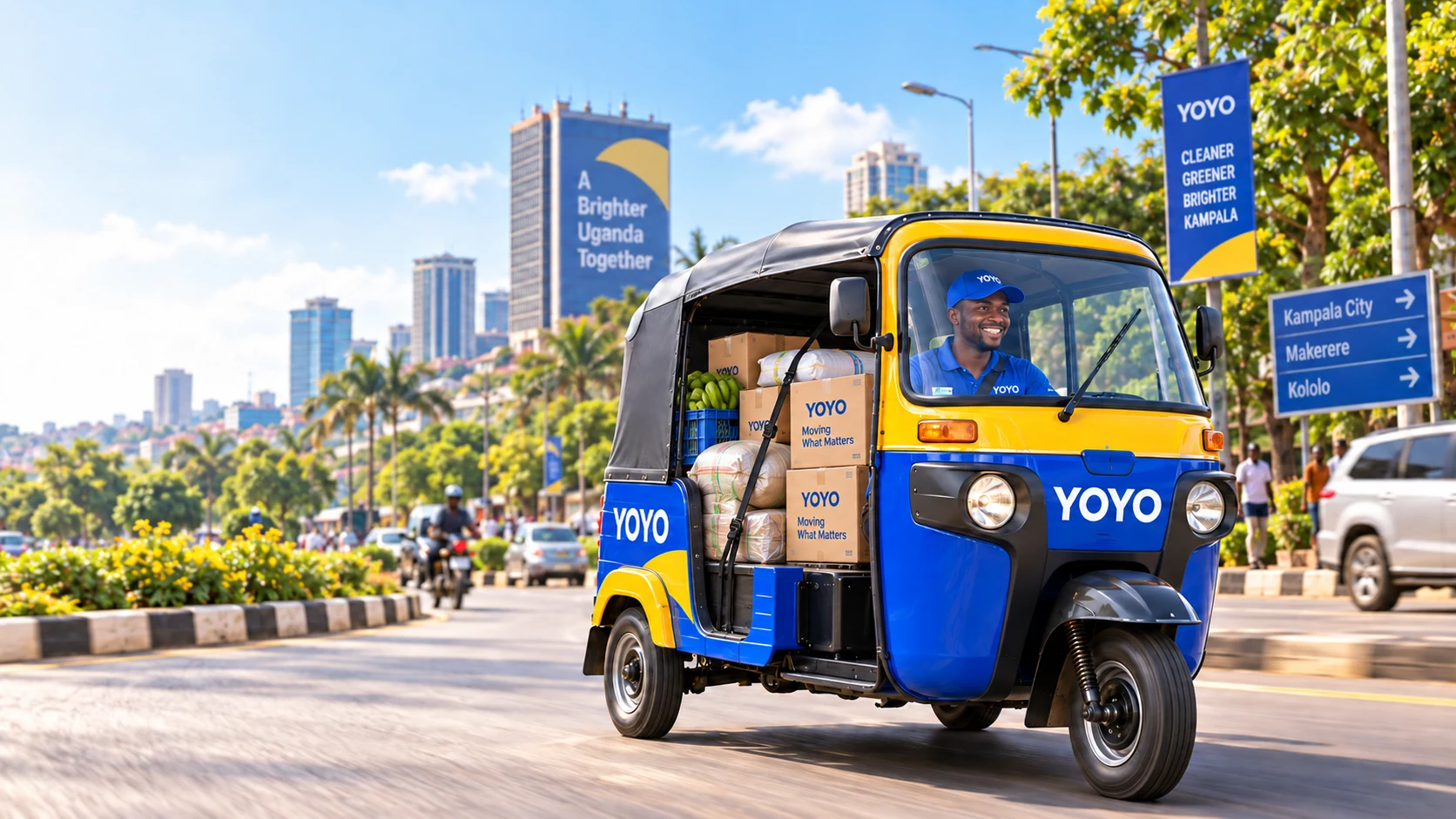
Tuk Tuk / Tuku Tuku
Choose the three-wheel category when it appears among the live choices near your pickup. Match the assigned driver and vehicle before the trip begins.
Explore Tuk Tuk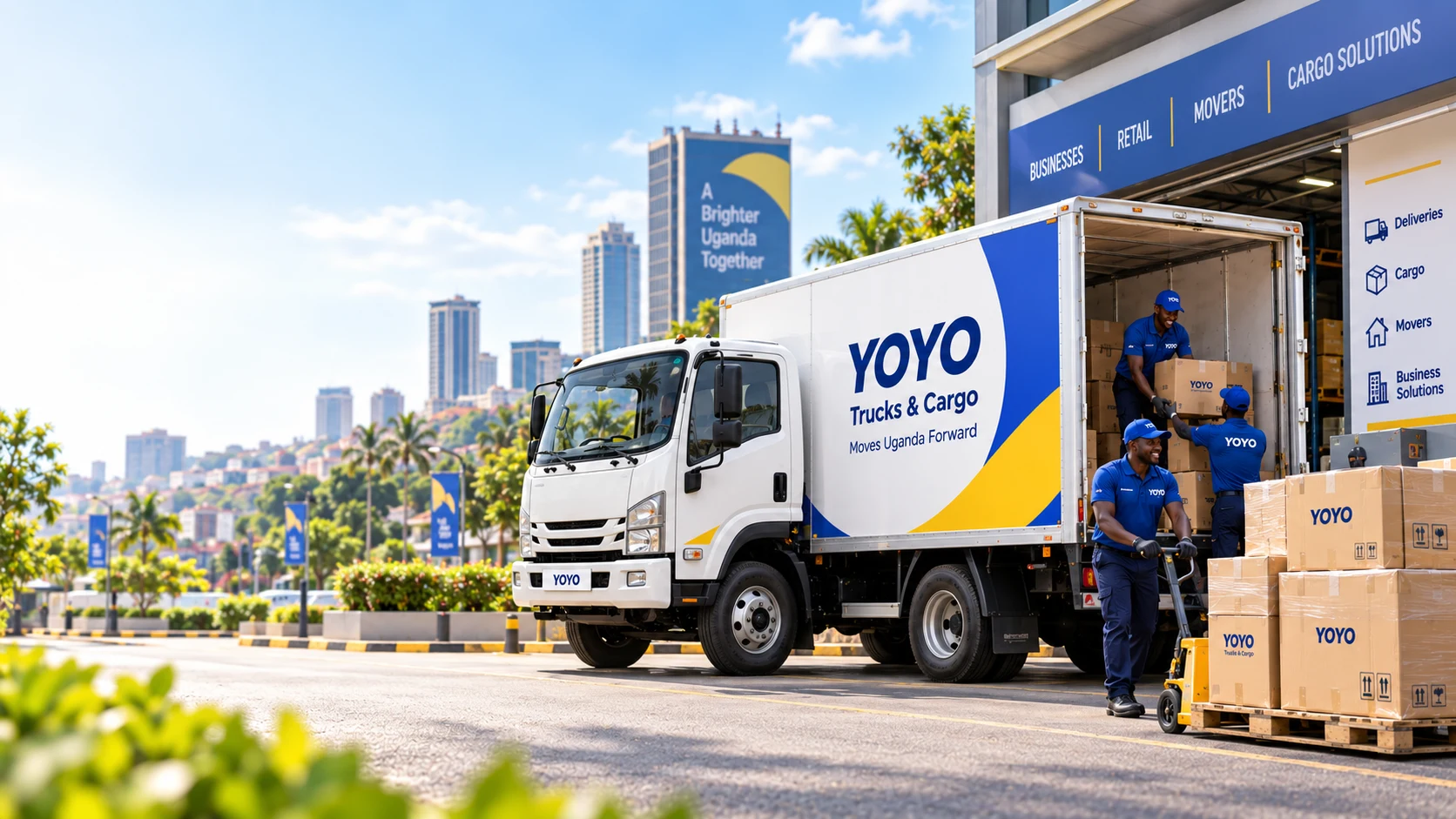
Trucks, cargo & movers
Use Cargo when you know the approximate load, or Movers when you need help describing the items and reviewing a suitable vehicle category.
Explore cargo transportWhy YoYo Cars
Clear service choices and visible booking details help riders and drivers understand the request they are joining.
Use the same rider account for a personal journey, a Tuk Tuk request or cargo movement without learning a different booking system.
Review the service, route, vehicle option and displayed fare information before you confirm.
Use the live booking status and trip information shown in the app from request through completion.
Approved drivers can register the vehicle they actually operate and receive suitable requests while they are online.
Drive with YoYoFrom tap to destination
YoYo organises the key stages of a request so both sides can use the information shown for the same booking.
Enter an accurate pickup and destination.
Select the option that fits the people or load.
Check the details presented before confirming.
Verify the assignment and follow the trip status.
Move with good information
Before any trip begins, compare the driver, rider, vehicle, pickup and destination details with the active booking. Keep trip activity inside the platform and contact the proper emergency services first whenever there is immediate danger.
Read the safety guidanceOfficial passenger app
Choose passenger transport, Tuk Tuk, Cargo or Movers from the services available around your pickup.